6. ImageOutput Verification
Configurationthe corresponding contentinit settingthe corresponding contentifthe corresponding contentsensorthe corresponding content,andthe corresponding contentselect timeoutthe corresponding content,the corresponding contentcanverifysensorImagethe corresponding contentnormalOutputthe corresponding content。
the corresponding contentRefer to errorCheckflow。
the corresponding contentsensor_testthe corresponding contentDescriptionthe corresponding contentverifysensorthe corresponding contentImageOutput。 the corresponding contentNote,the corresponding contentmodethe corresponding contentcanusesensor_testthe corresponding contentTest,the corresponding contentLinuxthe corresponding contentSerial Portoperation,the corresponding contentaliosthe corresponding contentOutput
Imageviewthe corresponding contentPCtoolCvitekRawViewer,the corresponding contentFAEGet
Note:the corresponding contentAERelatedfunction,the corresponding contentusethe corresponding contentYesthe corresponding contentdefaultthe corresponding content, the corresponding contentImagethe corresponding content,the corresponding contentadjustsensorExposureGainthe corresponding content。
6.1. Dump RAW
Runsensor_test,Input1select“dump vi raw data“, thenthe corresponding contentprompt”To get raw dump from dev(0~1): ” , Inputdev(0Tablethe corresponding contentvi pipe0, the corresponding content0the corresponding contentsensor dumpImage,1Tablethe corresponding contentvi pipe1, the corresponding content1the corresponding contentsensor dumpImage)。
thenthe corresponding contentprompt”how many loops to do (1~60)”,Inputloops(Tablethe corresponding contentdumpthe corresponding contentframe)。
the corresponding content
Alios needthe corresponding contentSDthe corresponding content,dump Filedefaultthe corresponding contentSDthe corresponding content
RAWFigureviewthe corresponding content:
the corresponding contentdumpthe corresponding contentrawImagethe corresponding contentuseCvitekRawViewertool, Configurationthe corresponding contentprocessor、format、width、height
tooluseas followsFigure:
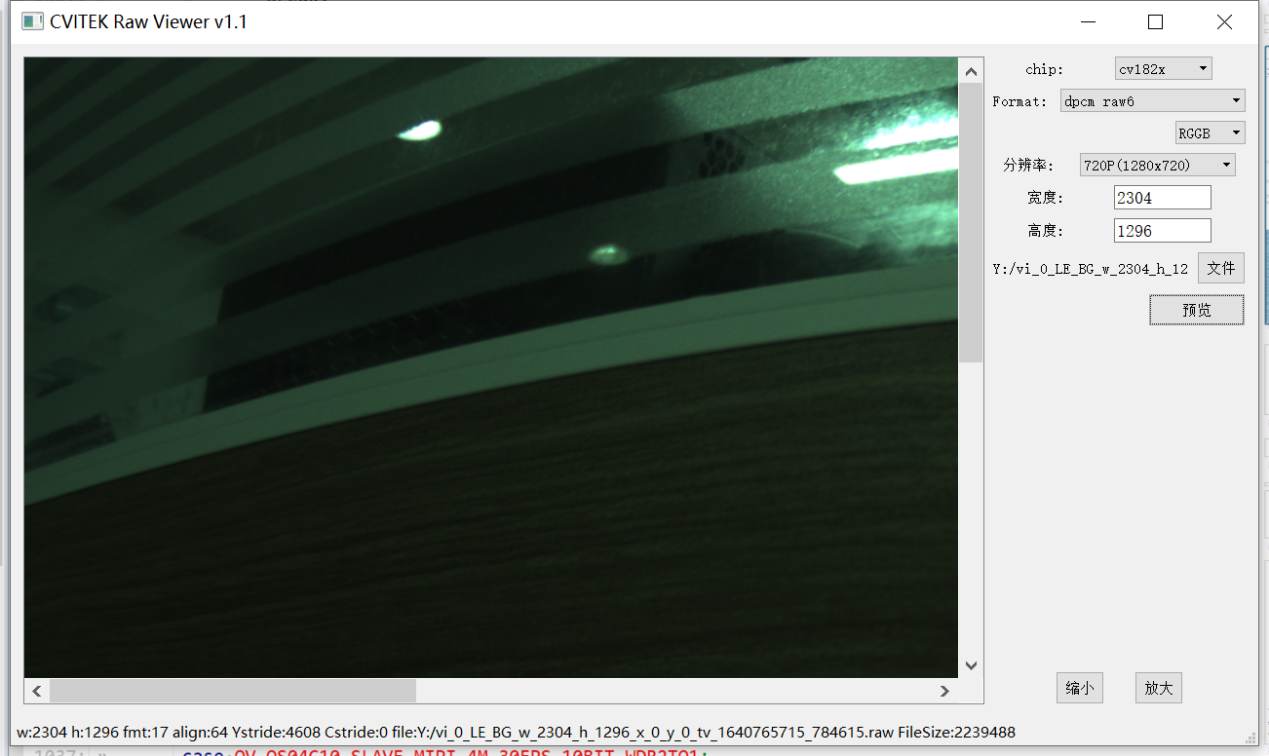
the corresponding content
rawImagedisplaythe corresponding content,ifthe corresponding contentCheckBayer format, flip/mirrorthe corresponding contentRelatedConfigurationYesNoerror。
Width、Height、Colorformatthe corresponding contentcanthe corresponding contentdumpthe corresponding contentFileNameGet。
sensor_testdefaultuserawFigurethe corresponding contentmodeCOMPRESS_MODE_TILE,the corresponding contenttoolthe corresponding contentselect“dpcm raw6”,the corresponding contentmode,the corresponding contentselect“raw12”。
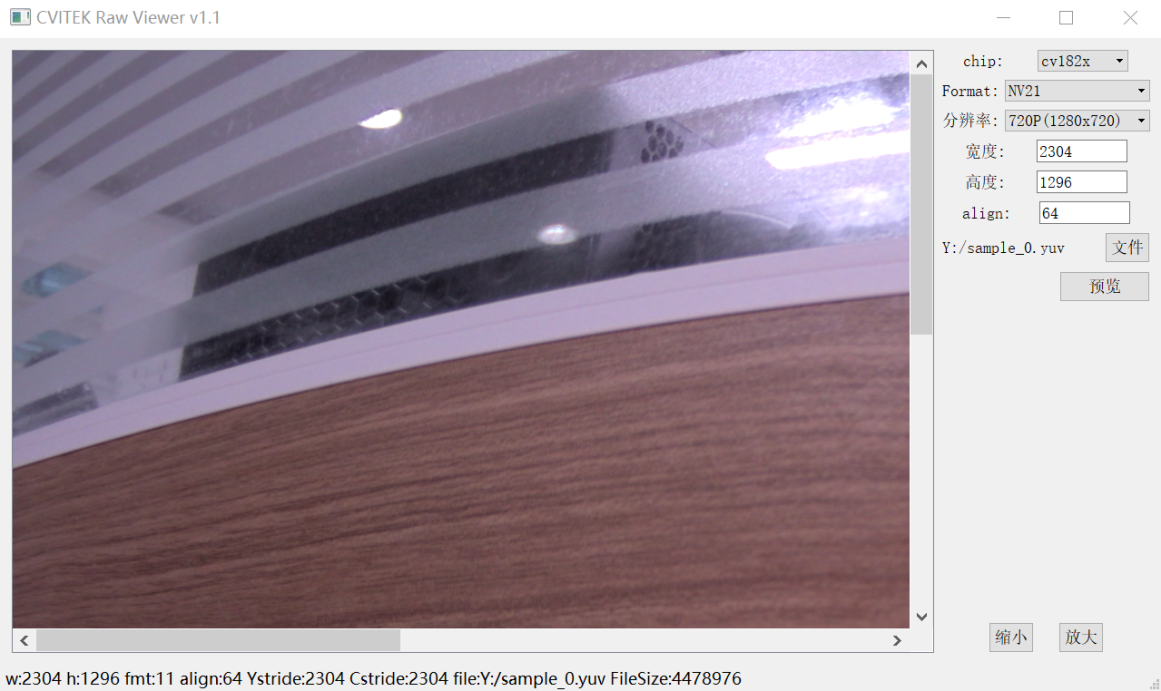
6.2. Dump YUV
Runsensor_test,Input2select“dump vi yuv“,the corresponding contentpromptdump yuvImage:
the corresponding contentuseCvitekRawViewertool, Configurationthe corresponding contentprocessor、format、width、height